Saturday, 16 March 2013

Qloud Media v3.6.2

Qloud Media v3.6.2
Requirements: Android 2.1+

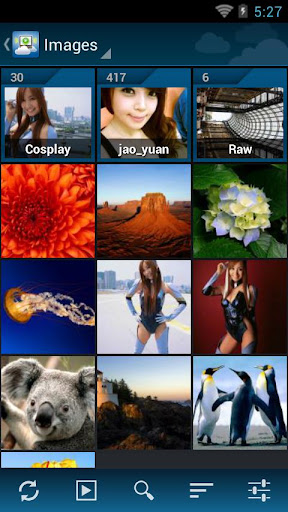
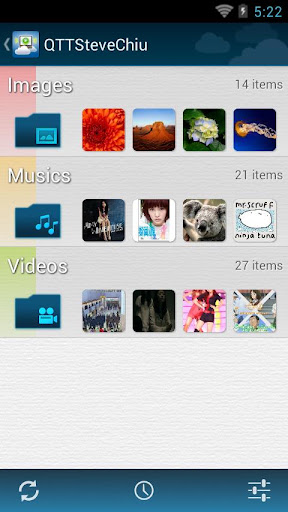
Overview: You can easily share video, music and pictures from your PC to Android devices. No copy or encode is needed, just install proper server software on your PC and you can enjoy video, music and pictures anytime and anywhere!

 
Features:

- Support multimedia streaming from your PC to Android devices

- Optimized for phone and tablet

- Streaming over Wi-Fi and 3G network

- Everything is transcoded on the fly, no copy or encode is needed

- Supported video formats: AVI, MP4, RM/RMVB, MKV, WMV, MPEG, MPEG2TS

- Supported subtitle formats: SRT, ASS/SSA, SAMI (typeface, scale and encoding is user configurable)

- Supported audio formats: MP3, MP4, WAV, AAC

- Supported image formats: JPEG, PNG, GIF, BMP

- Automatic server discovery in local area network

- Remote access setup by specifying Qiss PIN code

- Remote access setup by specifying server address and port information

- Folder access control by user account

- Support NAT transversal via UPNP or NAT-PMP

The difference between the full version and the free version are:

- No AD

- Support file name search

- Support image export

- Support advanced video gesture control

- Support Google TV

Note:

- DRM protected files are not supported

- Other formats may work but not officially supported

- Qloud Server is available for Microsoft Windows XP/Vista/7 and Mac OS X (10.6 or later)

- For better video performance, dual core processor is recommended

- Please make sure the free version can function properly before upgrading to full version

Support:

You can get more help from our online support forum:

http://forum.qiss.mobi/

If you have problems or suggestions when using Qloud Media, please post them in this forum.


What's in this version : (Updated : Mar 14, 2013)

enable video pass thru of main/high profile h264 for new devices (requre server update)

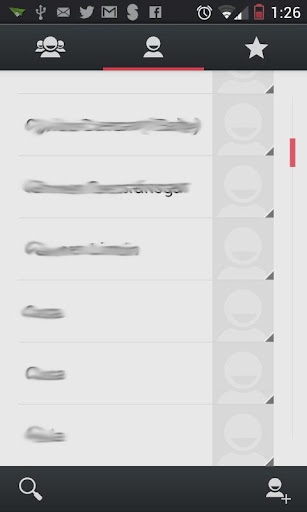
add two more themes (dark and light)

fix issues of cancelling of searching files

detect external address changes (require server update)


fix PJS subtitle parsing (require server update)

Download APK 5MB


The Croods v1.0.2 APK


From the creators of Angry Birds and the creative minds at DreamWorks Animation: a FREE new game based on the upcoming motion picture phenomenon!

The Croods
Meet the world’s first modern family: The Croods! These cavemen are breaking out of the Stone Age with the use of a new r-evolutionary tool: the IDEA! The Croods will Hunt & Gather their way through spectacular new landscapes as they tame fantastic and never-seen-before creatures. Help The Croods survive the wild.. and each other!

Features:
  • Trap & tame 10 evolutionarily mixed- up creatures! You’ve never seen anything like the Girelephant or Molarbear! Think you can catch them all?
  • Create wacky inventions with Grug to open and explore new areas!
  • Decorate your pre-historic world with the latest in caveman fashion accessories!
  • Meet your favorite characters from the feature animation film from DreamWorks Animation!
PLEASE NOTE!
  • The Croods is completely free to play, but some in-game items can be purchased for real money. If you don’t want to use this feature, please disable in-app purchases.
  • Also, please note that a network connection is required to play.
What's in this version: (Updated : Mar 14, 2013)
  • We addressed some minor issues in order to improve the user experience.
Required Android O/S : 2.2+

Screenshots :


Download : 27Mb APK

Friday, 15 March 2013

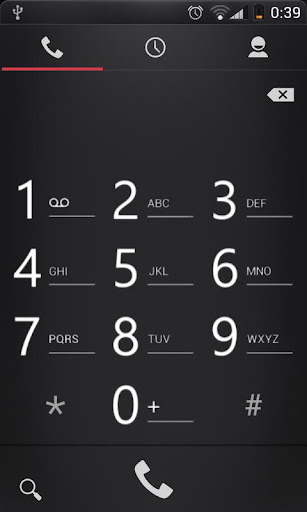
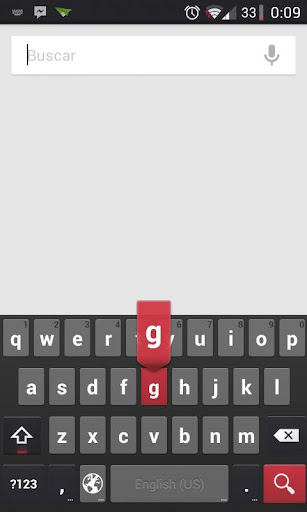
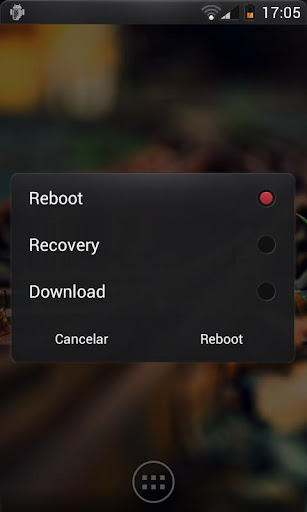
CM9 CM10.1 AOKP THEME POPSTYLE v1.6.4 APK


POPSTYLE theme for CM10/AOKP!

CM9 CM10 AOKP THEME POPSTYLE
IF YOU GET THIS MESSAGE: "This theme was improperly compiled and cannot be applied. Please report this incident to the theme author" APPLY DEFAULT THEME, RESTART DEVICE AN APPLY THIS THEME. 

This theme is optimized for Hdpi devices runing ICS (CM9/AOKP).It's also compatible with JB roms (CM10/AOKP)
What's in this version : (Updated : Mar 14, 2013)
  • Fixed weird orange background for some apps
Required Android O/S : 4.0+

Screenshots :


Download : 5.8Mb APK

Sidebar Pro v3.1.0.5 APK


It's fast, functional, fluid, and customizable to your liking!


Sidebar Pro

Populate the sidebar with your favorite apps, and simply swipe in from the edge of the screen to gain instant access to the apps you use most. Simple - yet elegant.
  • Fast, fluid, and immersive animations are integrated within Sidebar that keep it as quick as possible, yet help to add a dash of elegance to its presence.
  • A simple Add button appended at the end of the sidebar summons a menu listing all the apps installed on your system. Simply pick an app, and it will be added to the sidebar for quick access.
  • To dock the sidebar, simply select an app or touch outside
  • To remove an app, simply swipe it out of the sidebar! Alternatively, long pressing will bring up further options such as inserting and replacing.
Customization:
  • Starting on boot
  • Adjusting the width & opacity of the bar
  • Adjusting the color scheme & position
  • Enabling/Disabling animations
  • Adjusting the swipe sensitivity
  • Enabling/Disabling vibration
Sidebar Pro
Sidebar Pro lifts the limitations put on the lite version and opens access to new customizability as well as functionality - elevating sidebar, to its most impeccable and pure state.

What's in this version : (Updated : Mar 8, 2013)

  • Bug fixes
  • Tabbed app drawer
  • App Drawer widget
  • Apps slector now cached
  • Music widgets & All apps widget added

    Required Android O/S : 2.1+


    Screenshots :


    Download : 270Kb APK

    Sunday, 10 March 2013

    Moment - Live Wallpaper v1.2 APK


    Capture the moment on video and create your own interactive live wallpaper!
    Moment - Live Wallpaper
    “Moment” for Android is a video utility for creating interactive live wallpaper from video clips (Think of Harry Potter newspaper!)
    • Capture and relive those special moments on your wallpaper
    • Produce your own stunning 3D effects 
    • Bring still scenery to life with live wallpaper effects
    • Apply filters to clips to further enhance wallpaper
    • App is pre-loaded with two examples
    Great for capturing personalized clips and Viddy clips that have meaning to you, pets, family outings, epic views, extreme sports, concerts, valentines day, events etc

    Tips:
    • Works with Android 4.04 and above
    • Camera frames per second is a key factor in getting a good result. If getting grainy wallpaper images try dropping the resolution of the camera. Experiment with the duration of the clip. Otherwise import video from another camera with higher frames per second.
    • To get the best out Moment please see demo video and help menu
    • Demo videos were taken on Galaxy Note II and may appear different on other devices
    • Help screen loads the first time you open - press back key to exit help screen
    note: 
    • Your video clips are not shared with any sites and are retained on your device. You can only download from Viddy
    • Viddy files are large and we recommend WIFI is only used with this feature to minimise your carrier data charges
    • Processing of Viddy clips is done as they are downloaded and therefore the speed of your internet connection will determine the duration of time it takes to process the clip. Slow or interrupted internet connections can cause issues.
    What's in this version : (Updated : Mar 3, 2013)
    • Customise playback speed in wallpaper settings
    • Browse and import Viddy clips from trending category
    • Please note:
    • Your video clips are not shared with any sites and are retained on your device. You can only download from Viddy
    Required Android O/S : 4.0+

    Screenshots :
     
     
    Download : 22Mb APK

    Timewall - Clock Wallpaper v1.2.0 APK


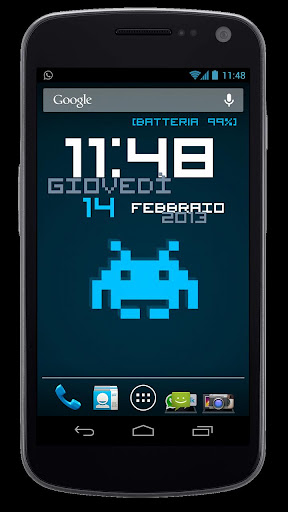
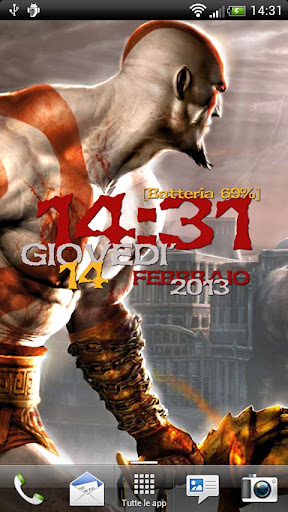
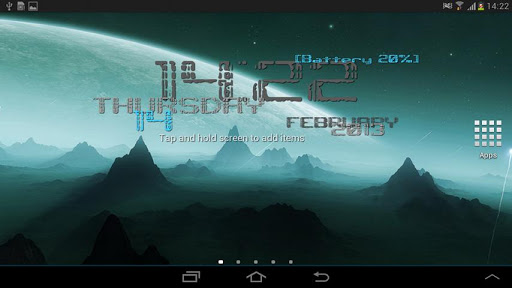
    With Timewall Clock Wallpaper you can customize as you wish your smartphone homescreen!
    Timewall - Clock Wallpaper
    Make your cellphone exclusive with many customizations and styles. Choose an unique combination of colors and fonts!

    Is the perfect live wallpaper to keep always an eye on the TIME, DATE, and BATTERY level!

    Timewall Clock Wallpaper is one of the first applications to support the Android 4.2+ Daydream feature! Set it in theDisplay -> Daydream section of your device settings, to see your favorite wallpaper while charging or while connectedto your dockstation!

    Settings modification is simple and intuitive: stop wasting your time on thousands of nested options to choose the style for you. Let your smartphone express your mood!

    You’ll also have an instant access to your ALARM CLOCK, stopwatch or any other clock feature, without the need of an icon or a shortcut!

    Moreover with Timewall Clock Wallpaper we kept the maximum attention to performances and battery saving (reducing it at almost 0).

    Timewall Clock Wallpaper is optimized for smartphone and tablet.

    POSSIBLE CUSTOMIZATIONS:
    • Background color
    • Background image from your gallery
    • Text fonts
    • Color schemes for visible elements (time, date, battery, etc..)
    • Time format (12h or 24h)
    • Elements position on screen
    • Fonts size
    • Direct access to alarm clock (clicking on the time)
    • Visibility on lockscreen
    • Extended background, compatible with standard Android and many others (Nova launcher, GoLauncher, tc)
    • Daydream/dockstation support (for Android 4.2+)
    What's in this version : (Updated : Mar 1, 2013)
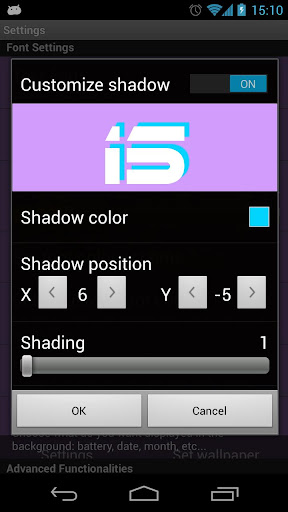
    • Shadow customization (full version only)
    • Application restyle
    • More device supported by the "time click" feature
    • Option to hide the icon from the App Drawer added
    • Daydream option to show/hide background image
    • Minor bugfix
    Required Android O/S : 2.2+

    Screenshots :


    Download : 850Kb APK

    Quickly Notification Shortcuts v0.99.8.1 APK


    One of Android Police's 55 best new apps for February!


    Quickly Notification Shortcuts
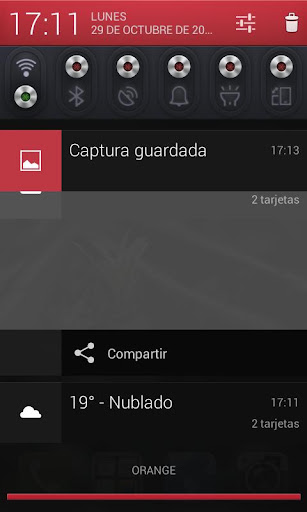
    Quickly is a simple app that creates an ongoing notification in yournotification drawer filled with up to 12 shortcuts to an applicationlauncher or applications that you can configure.

    Once the notification is created, expand the notification to see the shortcuts.

    The nice thing about Quickly is that it never runs in the background, and the only system resource it uses is about 800kb for it's notification. It's lightweight and efficient and will remain that way.

    NOTE:
    If you're using a Android 4.1 you will have to use a pinch-to-expand gesture to show the shortcuts when the notificationis collapsed.

    "This addon uses pinch motions, not swipe motions. pinch from center to edge of notification area to get the shortcuts to display, and from edge to center to collapse it."

    What's in this version : (Updated : Mar 7, 2013)
    • UI Revamp. Fix a few graphical glitches, add feedback when icon is pressed. -- Fix small bug introduced
    • UI Revamp. Fix a few graphical glitches, add feedback when icon is pressed.
    • Fix bug where Quickly doesn't realize you uninstalled that app.
    Required Android O/S : 4.1+

    Screenshots :


    Download : 500Kb APK