Sunday, 10 March 2013

Classic HD Apex Nova Theme v1.0 APK


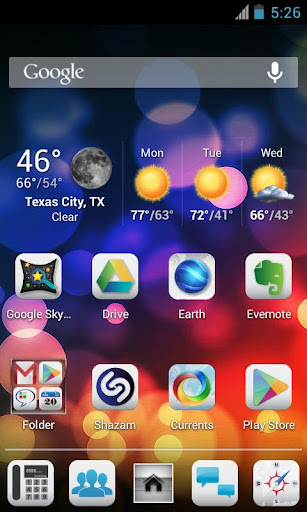
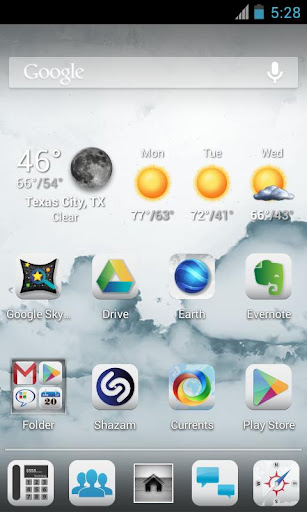
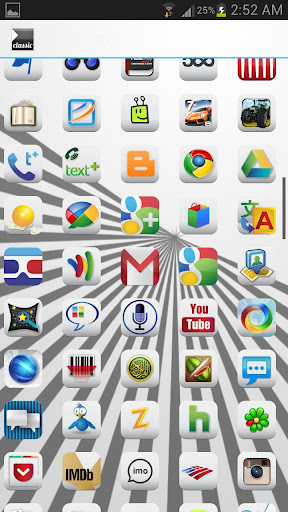
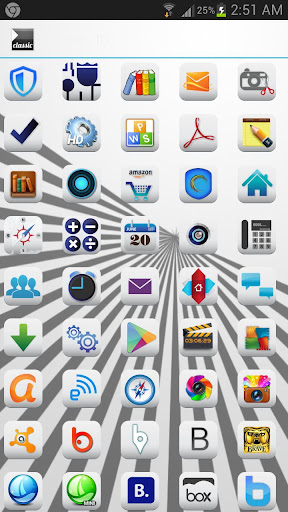
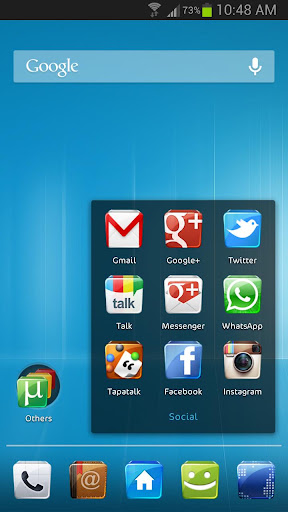
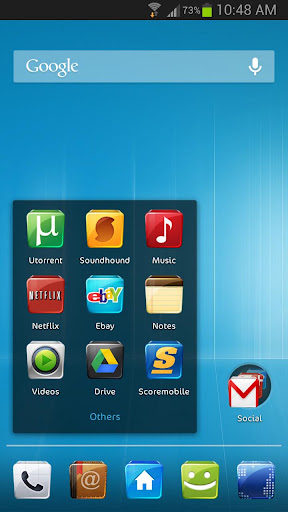
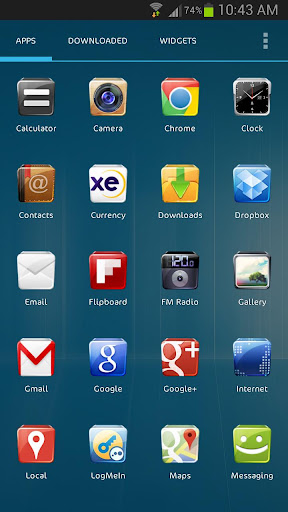
Classic High Definition Theme by Photox Designs for Apex and Nova Launcher - 300 Full HD

Classic HD Apex Nova Theme
Icons and 9 Wallpapers.Beautiful icons and unique design of icon will make any application look like a default icon that will give your whole phone a consistent elegant look. Get it and have a completely newmakeover of your smartphone.

This app will provide you beautiful
  • Apex Theme
  • Nova Theme
Important tips:
  • Open Classic HD HD after installation and apply for your launcher (Apex or Nova) .
Required Android O/S : 4.0+

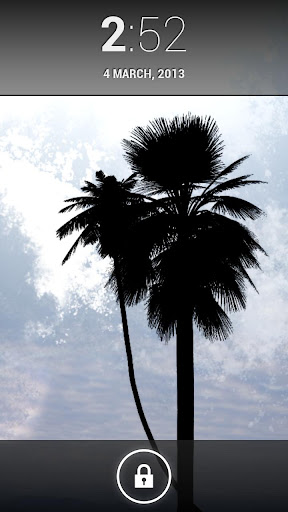
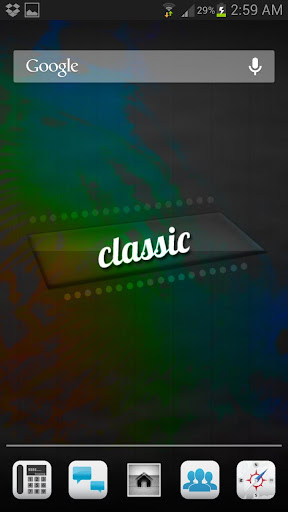
Screenshots :


Download : 10Mb APK

GLASS APEX/NOVA/GO THEME v4.0 APK


Glass Apex - Nova - Go Launcher Theme!

GLASS APEX/NOVA/GO THEME
Installation Apex Launcher :
  • Install Apex Launcher (Free or Pro)
  • Install theme
  • Open Apex Settings
  • Open Theme Settings
  • Select and Apply Glass Theme
Installation GO Launcher :
  • Please Do Not open directly after it's installed.
  • Back to GO Launcher EX: MENU > theme preferences.
  • Select and Apply Glass Theme
What's in this version : (Updated : Mar 2, 2013)
  • ADDED 10 NEW ICONS
  • FIXED ALOT OF ICONS WAS NOT APPLYING
  • NEXT UPDATE WILL INCLUDE USER REQUESTS ICONS THIS UPDATE I FOCUSED IN FIXING ICONS WAS NOT APPLYING.
Required Android O/S : 2.0+

Screenshots :


Download : 24Mb APK
BOX PRO APEX/NOVA THEME v1.0 APK


BOX PRO THEME FOR APEX NOVA!


BOX PRO APEX/NOVA THEME
FEATURES:
  • MULTI LAUNCHERS SUPPORT APEX/NOVA/ADW
  • ICON MASK SUPPORT ALL ICONS WILL BE THEMED
  • HUNDREDS OF HIGH QUALITY ICONS
  • WEEKLY UPDATES
  • THEMED DOCK
  • HD WALLPAPER
  • NEW THEME FONT
WALLPAPERS FOR NOVA LAUNCHER USERS : http://tinyurl.com/bqly42q

Installation Apex Launcher : 
  1. Open Apex Settings
  2. Open Theme Settings
  3. Select and Apply Box Theme
Installation Nova Launcher : 
  1. Open Nova Settings
  2. Open Look And Feel Settings
  3. Select and Apply Box Theme from Iconpack
NOTE FOR GO LAUNCHER USERS : 
this theme will not work until go launcher fix icon mask inverted issue.

Required Android O/S : 2.0+


Screenshots :


Download : 4.5Mb APK
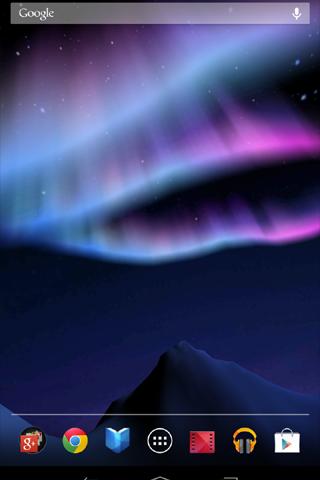
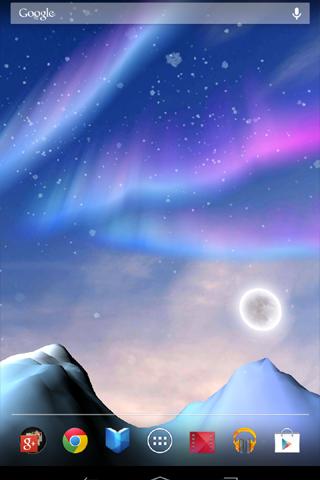
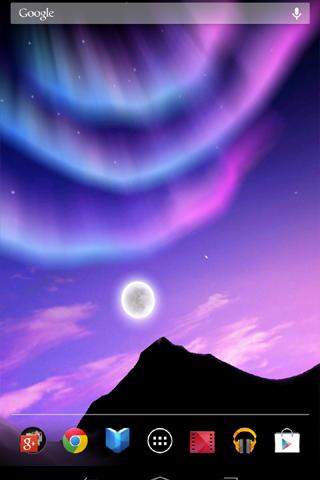
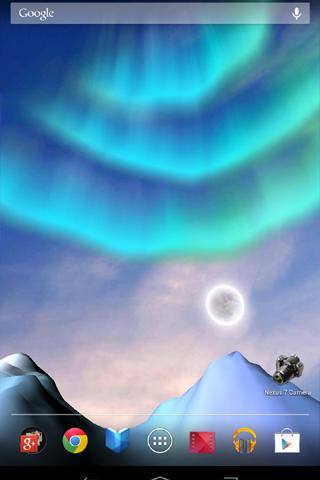
Aurora 3D Live Wallpaper v1.0.1 APK


It is a live wallpaper of a Beautiful Aurora 3D!
Aurora 3D Live Wallpaper
 You can change the color of the aurora violet or green

■ The two types of Aurora

■ You can select an empty night / evening / morning and

■ Show / Hide of the month

■ You may be shaking the snow

■ I was also nice shooting star

Please Enjoy!

Required Android O/S : 2.1+

Screenshots :
 
 
Download : 7.2Mb APK
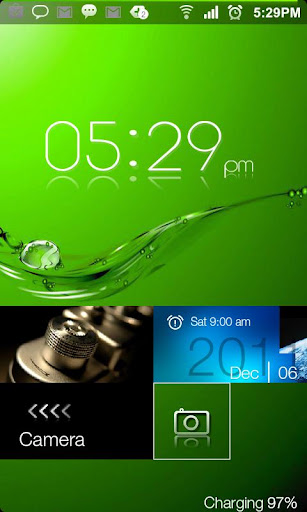
Windows 8 Pro Lockscreen v6 APK


Lockscreen HD amazing effect!
Windows 8 Pro Lockscreen
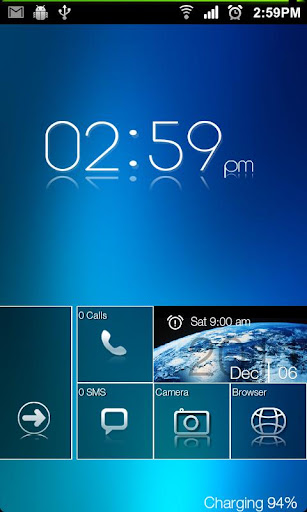
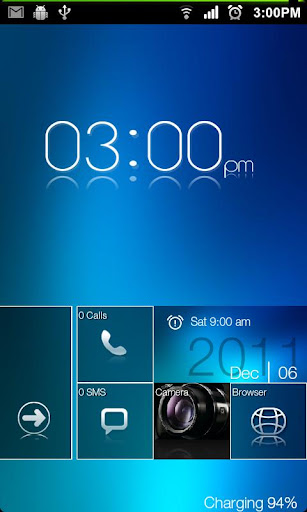
MetroUI HD modern Lockscreen!
Go Launcher EX Locker HD
Windows 8 Metro UI GO LAUNCHER EX LOCKER THEME HD.

ATTENTION
  • Android Version 4.1.1 has some problems with Go Locker
  • PLEASE SEND A EMAIL US SO WE CAN HELP.WE WILL SEND THE SOLUTION
  • REMEMBER TO SEND YOUR NAME AND NUMBER OF PURCHASE AND WILL HELP IMMEDIATELY.
  • Especially with the application Golocker
MetroUI HD Theme design for GO Launcher EX, is available now!
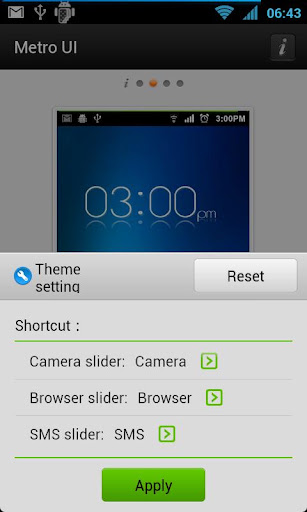
Now menu to select shortcut

You can customize and use own wallpaper: 
go on Go Locker\Wallpaper and choose yours
Notice: Make sure GO locker has been installed.
Metro Lockscreen.

How to install:
  • Make sure GO Locker have been installed
  • GO Locker > My locker to choose the theme
  • OR in go launcher - Click MENU > Preferences > Theme Settings > GO Locker -> My locker to choose the Metro theme.
How to use:
  1. Make sure GO Launcher EX or above and GO Locker v1.30 have been installed
  2. Click “MENU—->
  3. Preferences—->
  4. Theme Settings—->
  5. GO Locker-> My locker”” 
  6. Choose the theme "Metro HD"
What's in this version : (Updated : Mar 7, 2013)
Required Android O/S : 1.6+

Screenshots :
 
 
Download : 1.3Mb APK
Saturday, 9 March 2013

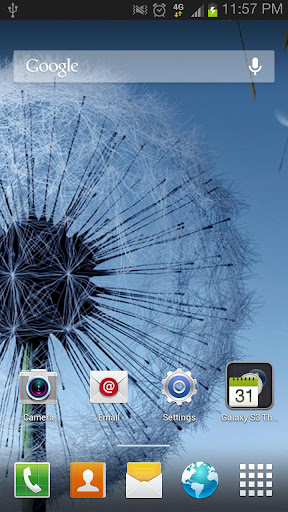
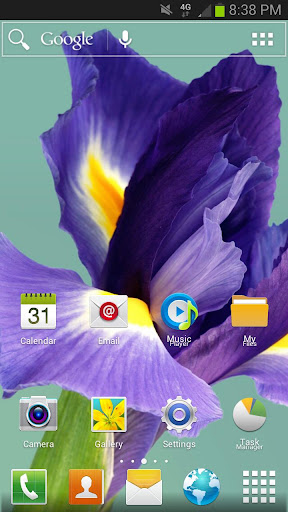
Galaxy S3 Theme v4.2.2 APK


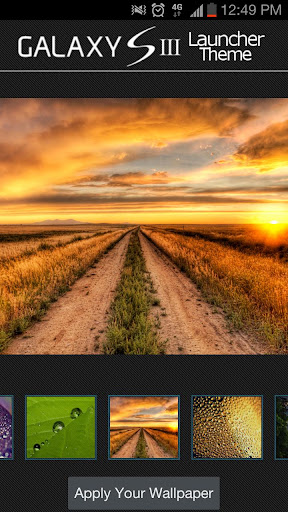
Check out the Official Galaxy S III Apex Launcher Theme. Available Now!


Galaxy S3 Theme
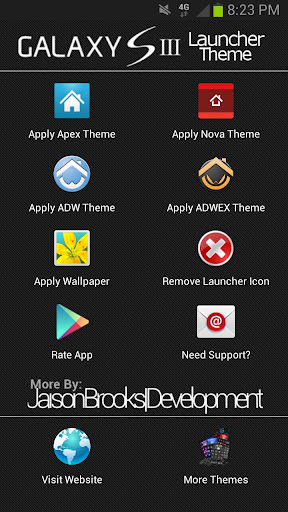
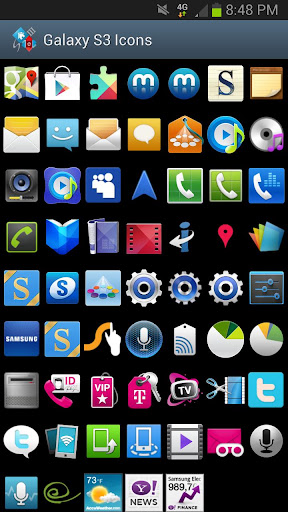
This theme is the first of its kind and features All the High Res (96x96)Stock Icons from the Galaxy S3 as well as the Galaxy S2, Stock 720p HD Wallpapers and Extra (43) loaded in a standalone wallpaperapplier, TouchWiz UX App Drawer Style and All apex images changed to S3 White color and even Folder Icon & BG's match the device as well.

Compatible with APEX LAUNCHER and NOVA LAUNCHER

Applying Themes Using Launcher
  • Open Launcher
  • Click the Theme of your choice "Apply Apex Theme" or Apply Nova Theme"
  • Click "Apply" for Apex and Click "OK" for Nova
Apply Using Apex Launcher
  1. Download and install Apex Launcher
  2. Hit Menu from home and click "Theme Settings"
  3. Click "Look And Feel"
  4. Click "Icon Theme"
  5. Choose "Galaxy S3 Theme"
  6. Press OK
Apply Using Nova Launcher
  • Please Use Launcher to Apply Theme
Best Look and Feel Recommendations
  • Turn App Drawer transparency to 15-20 or so, This makes it look more like TouchWiz 5
  • Keep Stock Backgrounds (There are only 5 GS3 Official wallpapers)
  • If GS3 Icon's don't show for your STOCK Apps (Email,Contact, etc)
  • Press and hold the icon, Click "Edit", Click the Icon, press "Select from icon packs", choose "Galaxy S3 Apex Theme" and find the icon needed.
  • 4.Email me with any Feedback or Recommendations, I actually respond to emails and will update the app on good recommendations or BUG Fixes.
What's in this version : (Updated : Mar 6, 2013)
  • Included 4.2 Style ActionBar
  • Included Improved Wallpaper Selector
  • Included 4 (Newly sized) Stock wallpapers for devices with different resolutions and Home Launchers
Required Android O/S : 4.0+

Screenshots :


Download : 16Mb APK

Fingerprint Lock v1.9 APK


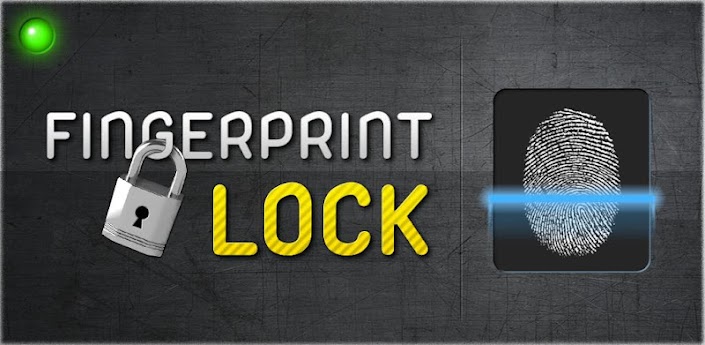
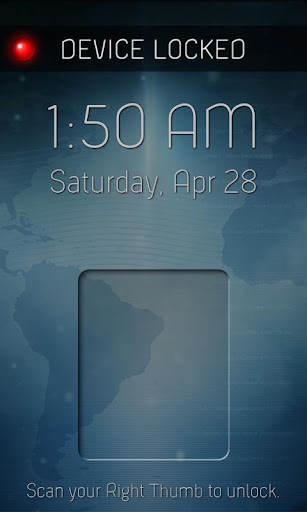
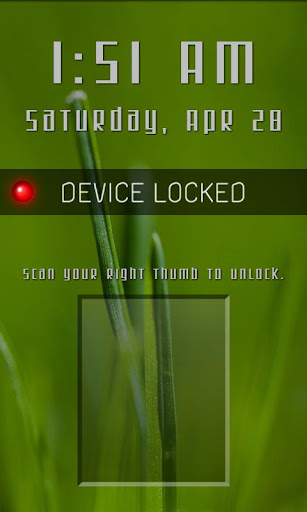
Customizable Fingerprint Lock that actually locks your phone!


Fingerprint Lock
Customizable Fingerprint Lock that actually locks your phone!
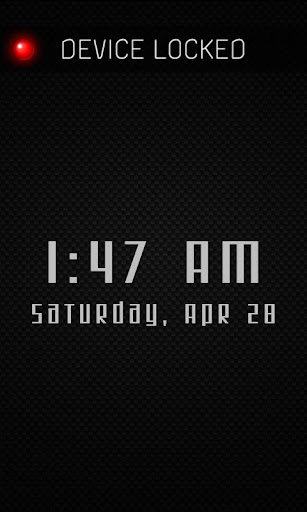
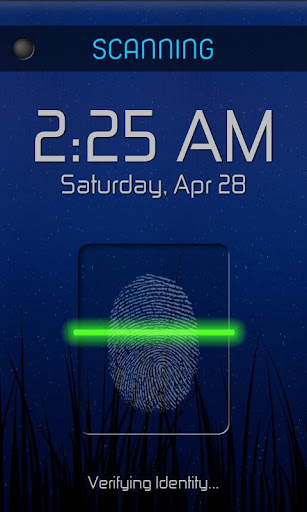
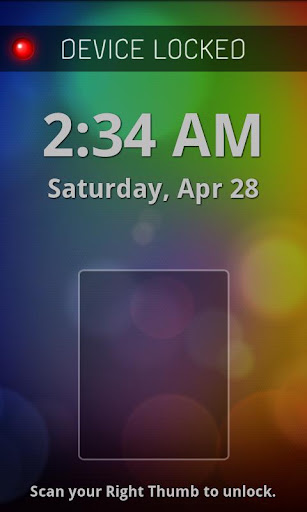
Get the only fingerprint scanner lock that actually works as a lock screen and uses your own wallpaper! Simply run the app and your normal lock screen will be disabled until you exit the app.


This app includes large, visible time and date and Customizable Features, including Themes and Fonts.
Your own wallpaper will be shown behind the lock screen, even Live Wallpapers!
Invalid identity scans will be denied access to prevent intruders. However when you scan your own thumb print, you will be granted access quickly and easily.

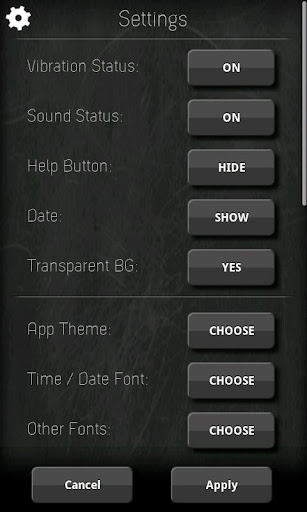
Access the settings menu to customize and personalize the Fingerprint Lock screen to your liking, including options to disable sounds, vibration, show or hide the date and/or help button, to change themes, or to change the font of the time and date.
  • Actually locks your phone!
  • No notification bar and button presses are disabled! (including Home and Back buttons)
  • Large, easy to read Clock and Date!
  • Many fonts and themes to customize your own personal lock screen!
  • Shows your own personal wallpaper, including Live Wallpapers!
What's in this version: (Updated : Jan 29, 2013)
  • Settings can now be accessed by touching and holding the LED image any time!
  • Fixed some issues with scan initialization on certain devices!
  • Some feature updates and other minor changes/fixes.
Required Android O/S : 2.1+

Screenshots :


Download : 1.3Mb APK